
Try Dayma on iPhone. Tell us what you find.
Habit building for an intentional Muslim life
Choose your niyyah, one doable action, and a familiar moment. Build a rhythm you can return to.
Free through Apple TestFlight · iPhone or iPad with iOS 15 or later
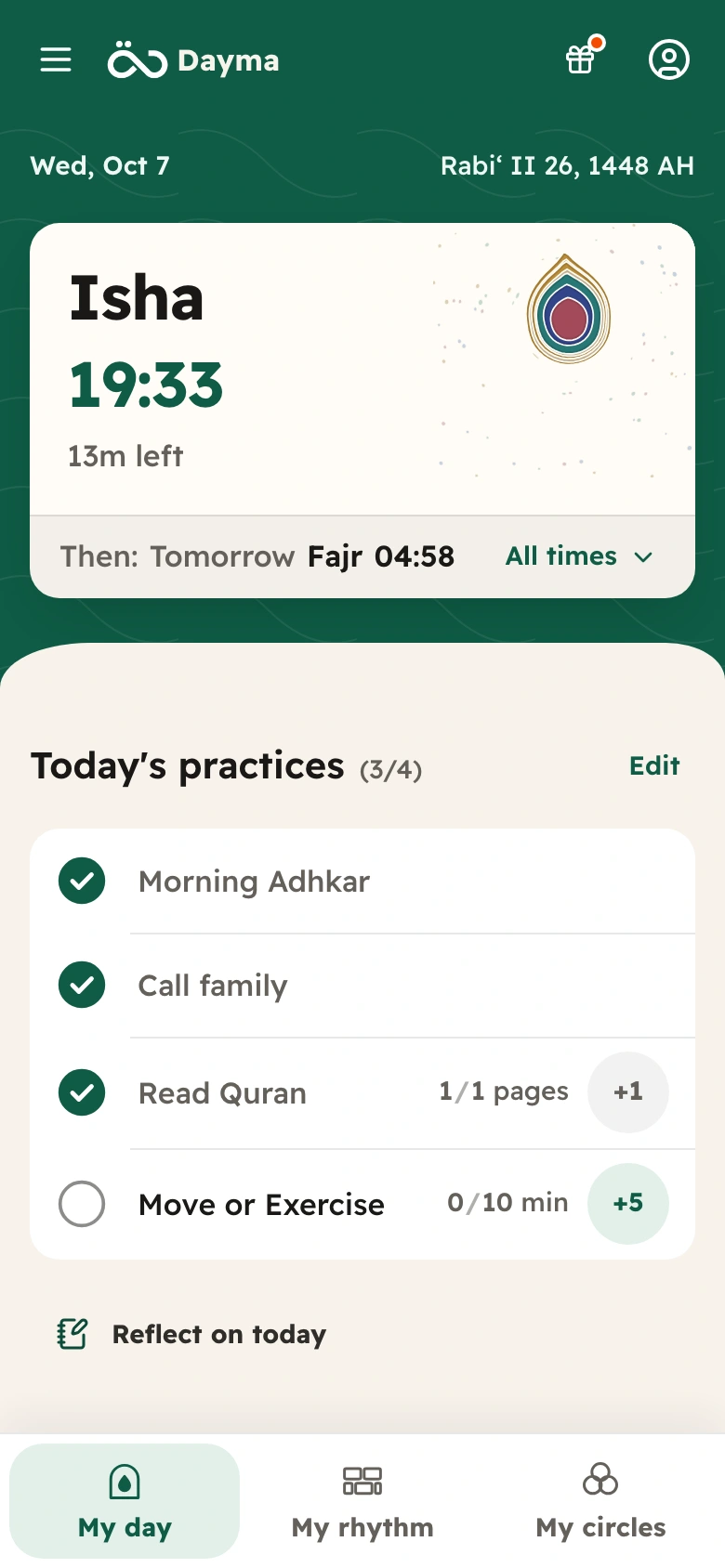
Join in two steps.
-
Install TestFlight.
Apple’s free app for trying apps before they reach the App Store.
Get TestFlight -
Accept the invitation.
On your iPhone, tap Join the iPhone beta. TestFlight opens: tap Accept, then Install.
Join the iPhone beta
- When TestFlight asks, turn on automatic updates. New builds then arrive on their own.
- An orange dot beside Dayma’s name marks the beta.
- To leave the beta, open TestFlight, tap Dayma, then Stop Testing.
Send feedback with a screenshot.
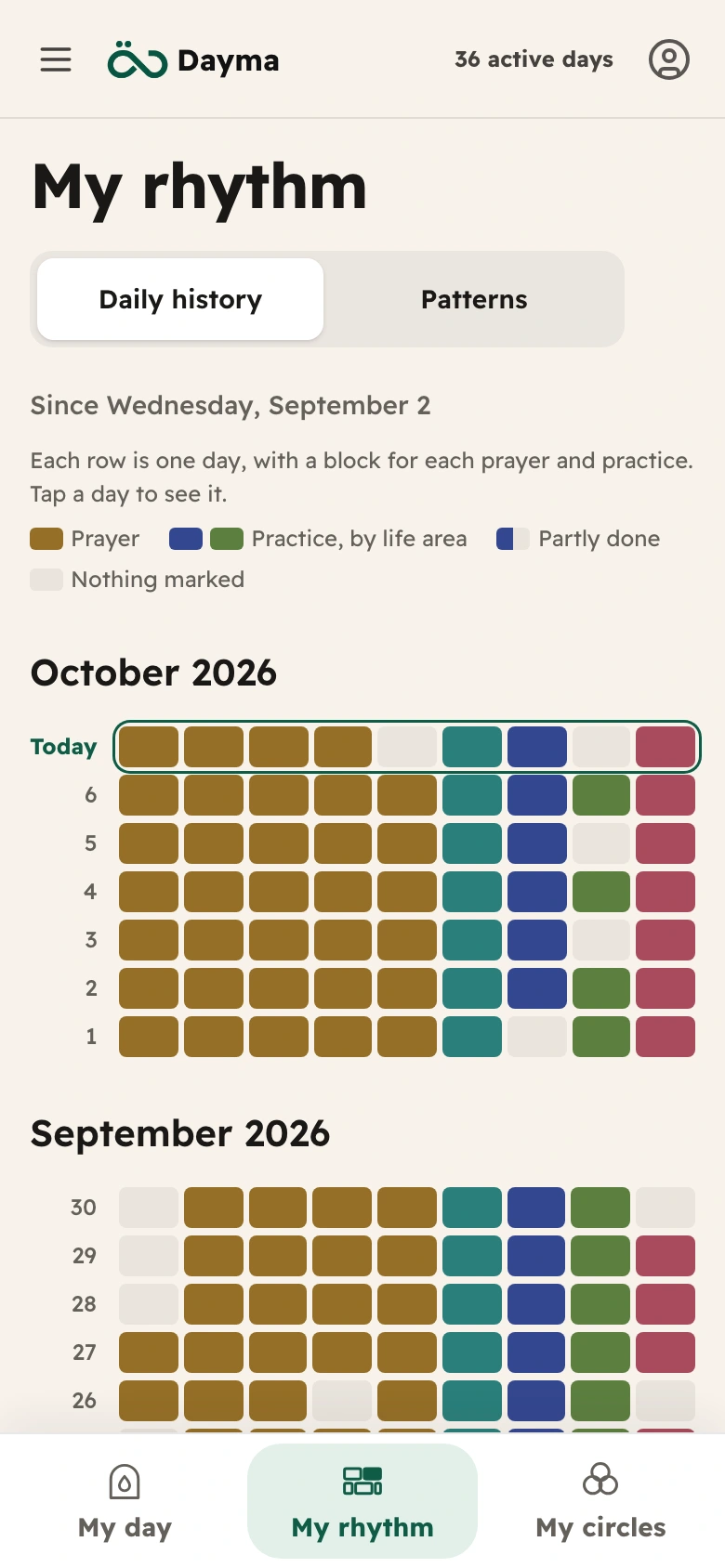
The quickest way to show us something. It works on any screen in Dayma and goes straight to the people building it.
-
Take a screenshot.
Press the side button and volume up together, then let go. On iPhone SE, use the side button and Home.
-
Tap ✓, then Share Beta Feedback.
The screenshot opens over Dayma. Circle or write on it if you like, then tap ✓ at the top (Done on older iOS) and choose Share Beta Feedback. If only a small preview appears in a corner, tap it first.
-
Write a line, then send.
A form opens with your screenshot attached. Say what happened or what you expected, then tap Submit.
Prefer to write? Open TestFlight, tap Dayma, then Send Beta Feedback.
If Dayma closes unexpectedly, TestFlight may offer to send a crash report. Tap Share and add what you were doing.
What helps us most.
- Where you hesitated, or weren’t sure what to tap.
- What broke, and what you did just before.
- Prayer times that differ from your mosque, with your town and the time you expected.
- Arabic or English wording that sounds off.
- An idea, however small.
Your privacy.
Through this public link, TestFlight hides your name and email from us. We see your number of sessions and crashes, your install date and version and, with any feedback or crash report you send, technical details such as your device model and iOS version. Add your email to a note if you’d like a reply.
A screenshot can show a private niyyah or Journal entry. Crop or draw over anything you’d rather keep to yourself.
Feedback sent through TestFlight also reaches Apple, as part of the service.
Read the privacy policyNot on iPhone?
Dayma works in your browser on Android and computers, in Arabic and English. Start free, without an account.
On Android, add it to your Home Screen from the browser menu.
Open Dayma in your browserFeedback by email: HasanAboShally@gmail.com